
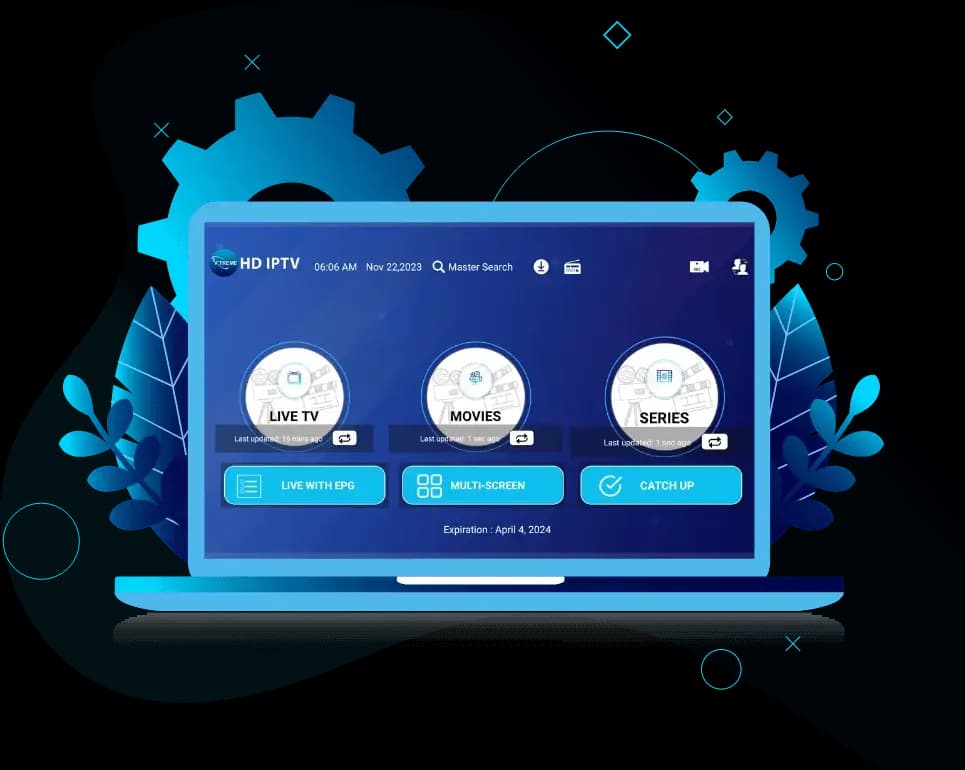
Xtreme HD IPTV
Everything You Need to Know About Xtreme HD IPTV
Plans and prices, what's included, which devices and apps work, how setup goes from order to first channel, and how to fix the most common problems — all on one page, with links to detailed guides.

Xtreme HD IPTV at a Glance
| What it is | A subscription IPTV service: live TV and on-demand video streamed over your internet connection |
|---|---|
| Plans | 1, 3, 6 or 12 months for 1–4 devices, from $20 (1 month, 1 device) |
| How you watch | In a player app such as TiviMate, IPTV Smarters or IBO Player, using an M3U link or Xtream Codes login |
| Devices | Fire TV, Android TV, Samsung and LG smart TVs, iPhone/iPad, Apple TV, Windows, Mac, MAG boxes |
| Program guide | EPG included; catch-up TV included on 12-month plans |
| Free trial | Available on request through WhatsApp |
| Support | WhatsApp, 24 hours a day |
Plans & Pricing
Choose a term and the number of devices that will watch at the same time. Longer terms cost less per month. Full details, including what each plan includes, are on the pricing page.
Showing prices for 1 Device — Single screen.
1 Month
High Performance Server
Includes:
- 20,000+ Live Channels
- 80,000+ Movies & Series
- 4K & FHD Stream Quality
- Electronic Program Guide
- M3U & Xtream Codes login
- Works with popular IPTV players
- 24/7 Support
*Instant Service Activation!
3 Months
High Performance Server
Includes:
- 20,000+ Live Channels
- 80,000+ Movies & Series
- 4K & FHD Stream Quality
- Electronic Program Guide
- M3U & Xtream Codes login
- Works with popular IPTV players
- 24/7 Support
*Instant Service Activation!
6 Months
High Performance Server
Includes:
- 20,000+ Live Channels
- 80,000+ Movies & Series
- 4K & FHD Stream Quality
- Electronic Program Guide
- M3U & Xtream Codes login
- Works with popular IPTV players
- 24/7 Support
*Instant Service Activation!
12 Months
High Performance Server
Includes:
- 20,000+ Live Channels
- 80,000+ Movies & Series
- 4K & FHD Stream Quality
- Electronic Program Guide
- Catch-Up TV Included
- Priority 24/7 Support
*Instant Service Activation!
Features
What every subscription includes.
Live TV channels
Live channels grouped by country and category, browsable in your player's channel list.
Movies & series on demand
A video-on-demand library you can browse and play at any time, separate from live TV.
Electronic program guide
See what's on now and next. The guide loads automatically in players that support EPG.
Catch-up TV
Replay recent programmes on supported channels. Included with 12-month plans.
Multiple devices
Choose a plan for 1, 2, 3 or 4 devices watching at the same time.
Standard login formats
M3U playlist, Xtream Codes API and MAG portal — so you can use the player you prefer.
Channels & Content
Live channels are organised into groups by country and by category — news, sport, entertainment, kids, documentaries and music — so you can jump straight to what you want in your player. Movies and series sit in a separate on-demand section. Picture quality depends on each channel's source: some are available in 4K, most in Full HD or HD.
The line-up changes over time, so the best way to check a specific channel is to look during your free trial or ask support before ordering.
How channels, the guide and VOD work →Compatible Devices
Any device that can run an IPTV player app will work. Pick yours for the recommended apps, or see the full device compatibility guide. Roku is the exception — it has no proper IPTV player, see IPTV on Roku.
How Setup Works
- 1
Choose a plan
Pick a term and device count on the pricing page.
- 2
Receive your account details
After payment is arranged on WhatsApp, you receive your login: an Xtream Codes server URL, username and password, and/or an M3U link.
- 3
Configure a compatible player
Install a player app on your device and enter the details. The installation guide walks through each device.
- 4
Start watching
Channels, the program guide and the on-demand library load into the app. The first load can take a minute.
Compatible Players
Xtreme HD IPTV works with standard third-party players. These apps are made by independent developers; some have a paid premium tier. Not sure which to pick? Compare TiviMate vs IPTV Smarters.
Xtreme HD IPTV Free Trial
You can ask for a short trial on WhatsApp before you buy. Install your player first, then use the trial at the time you normally watch — evenings are the real test — and check the channels and guide you care about.
Common Setup Problems
Most issues come down to the connection, the app or a typo in the login. Start here.
Buffering or freezing
Usually Wi-Fi or bandwidth. Try a wired connection and check your speed.
Login or “invalid user” errors
Check the server URL, username and password exactly as sent, and that the plan is active.
Program guide is empty
Refresh the EPG in your player and check the time zone setting.
Playlist shows 0 channels
The link may be mistyped or the app may need a cache clear.
Sound but no picture
Switch the player's video decoder between hardware and software.
App crashes or won't open
Clear cache, free storage, or reinstall the player.
Latest Xtreme HD IPTV Guides
Ready to get set up?
Compare plans, or message support if you have a question first.